
How to Search Cases by Name
No case number in hand? Use Missouri Case.net and pick the Litigant Name Search. Type the name exactly as the portal asks for it. Filters for Pulaski County, court, case type, and filing date appear on the form, so apply them. Small spelling details matter more than people expect. A middle initial, a hyphen, or a flipped surname can change what a docket search returns. Go precise before you go broad.
- Open the Case.net Litigant Name Search and enter the party name as it appears on a notice or filing.
- Limit the search to Pulaski County and the likely court or date range when those controls are available.
- Open a possible result and compare the case style, division, filing date, and displayed party role before treating it as the right case.
- Save the exact case number and check the Case Header before reading the docket or asking the clerk for a document.
Shared names are common. When your search turns up several people with the same name, the case style and the division help you pick out the right Pulaski County court docket. Some names never surface at all, since protected subjects, victims, witnesses, and children are kept out of public name searches. Treat a name search as a first step. It is a start toward a Pulaski County case lookup, not proof you have found every matter tied to a person.
| Case.net field | Type | Required? | Use in a Pulaski search |
|---|---|---|---|
| Litigant name | Text | Usually | Use the displayed name format, then narrow with available filters. |
| Filing date | Date | For date search | Use a short range when a filing period is known. |
| Case number | Text | For number search | Enter the complete court-issued number or eligible citation number. |
| Scheduled hearings | Date | For hearing search | Limit to Pulaski County and the relevant court where offered. |
Note: Write down the search date, the spelling you used, and any filters. That record helps a later clerk call zero in on the same Pulaski County case path.
Pulaski County Case Header Checks
Start with the Case Header, which sits ahead of the docket chronologically. It confirms a lot. You see the court, the division, the case type, the filing date, the public case style, the parties listed, the attorneys listed, and the current status. Checking those fields keeps you honest. You avoid confusing a similar name or a different division with the real Pulaski County case. The details also give the Pulaski County Circuit Clerk what it needs to pull a file when the online view is thin.
Then read the docket itself. An entry for a filing, a motion, or a setting proves only that the event was recorded in the case-management system. It does not mean a judge accepted the filing, granted the motion, or reached a final result. Save the latest entry and any scheduled hearing. Do that before you order a record or confirm a court date.
| Case number | The strongest identifier for the Pulaski County case. |
|---|---|
| Case style | The public caption or short title, which may be abbreviated or redacted. |
| Division and type | The assigned circuit, associate, municipal, probate, family, or other division and case category. |
| Filing date | The clerk-recorded case filing date, not necessarily the date of the underlying event. |
| Status and setting | The public system status and a future hearing when published; confirm an important setting with the notice or clerk. |
How to Search by Case Number
Case Number Search is the most reliable Case.net route. Use it once a notice, a filing, or a docket printout gives you the identifier. Type it exactly as shown, letters and digits intact. Pulaski County formats can look like 25PU-CR00000 for a criminal docket, 25PU-CC00000 for a civil docket, or 25PU-AC00000 for a scheduled hearing. Treat those as illustrations. They are not real cases, and no promise covers every division pattern.
Official Missouri municipal guidance adds that a nine-digit Uniform Citation number can work as the case number for municipal citation matters. Use that number only in the Case Number route. A wrong format may return nothing. The Pulaski County matter can still exist, so verify the court and division once a result opens.
A filing-date search helps when the date is known but the number is not. It narrows the leads, though each result still needs a header check. For date-driven questions, Scheduled Hearings & Trials Search works better. It can return a published county, case number, style, division, hearing type, time, and location.
Pulaski County Citation Case Numbers
A municipal citation can show up on Case.net even after the city that wrote it no longer runs its own court. Dixon is one example. Dixon shut down its municipal court effective December 1, 2023. The city's own notice now points those cases to the Pulaski County Circuit Court. St. Robert's 2024 ordinance election takes a different route. It sends violations to the Pulaski County Associate Circuit Judge in Waynesville. So skip the guesswork. The citation number, the court header, and the division on the record tell you where the Pulaski County case actually lives.
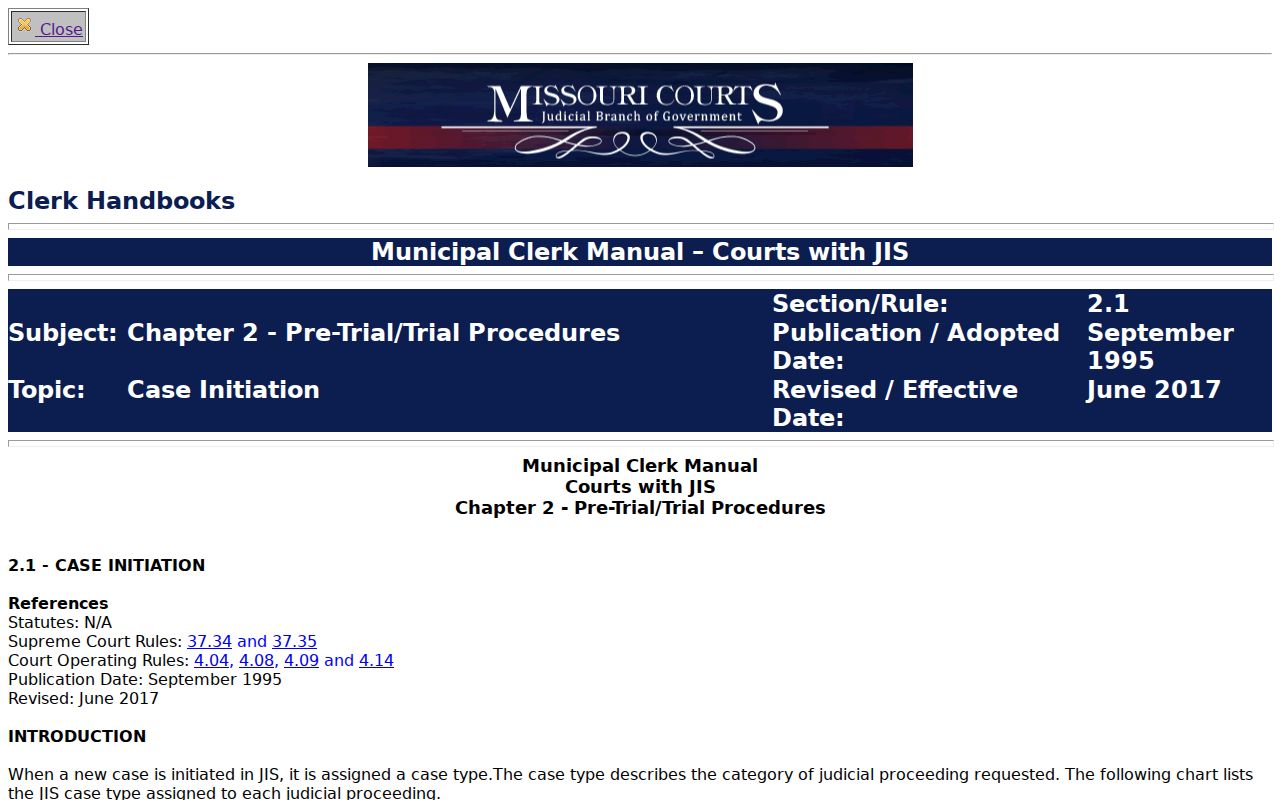
For the numbering itself, Missouri's municipal case-initiation guidance lays out how courts build citation numbers. That official reference shows the framework, not a screen from any one ticket. Learn the pattern. Grab your exact citation number for the docket search. Then confirm the Pulaski County court listed on the real record.
When a citation number turns up nothing in the Pulaski County court docket, fall back on a filtered name search. Check the current court printed on the ticket too. If the route is still unclear, call the Circuit Clerk and ask which division holds the case.
What a Case Search Shows
A Case.net result gives you two things. You get a Case Header and a dated docket of entries. The docket may list a complaint, petition, citation, service event, motion, hearing setting, order, judgment, dismissal, payment, or appeal. Treat it as an index of court activity. It is not the full file. A brief line seldom spells out the complete terms of an order or judgment.
Read each entry for what it actually says. “Motion filed” means someone made a request; it does not mean the court granted anything. “Set for hearing” marks a future court date. It is not a result. “Disposed” can record a case-management outcome without explaining every count or party. A linked document adds context when access is allowed, and an unlinked entry can still carry useful text.
Pulaski County Case Document Access
Not every docket entry on Case.net behaves the same way. Missouri's Case.net file-viewer explanation draws a plain line between linked and unlinked entries. A hyperlink usually means an attached document the viewer can open. An entry with no link might be text-only, sit in a paper or legacy file, lack a scanned attachment, or be restricted from view. And the label eCASE? It marks an electronic case record. It does not promise that every page is viewable from home.
If a document refuses to open, write down the case number and the entry date before you do anything else. The Pulaski County Circuit Clerk posts (573) 774-4755 and can tell you whether the item can be seen at a courthouse public terminal or ordered as a copy. For some eCASE material, that terminal reaches more than the remote viewer does. What you get still depends on the record type and any restrictions that apply.
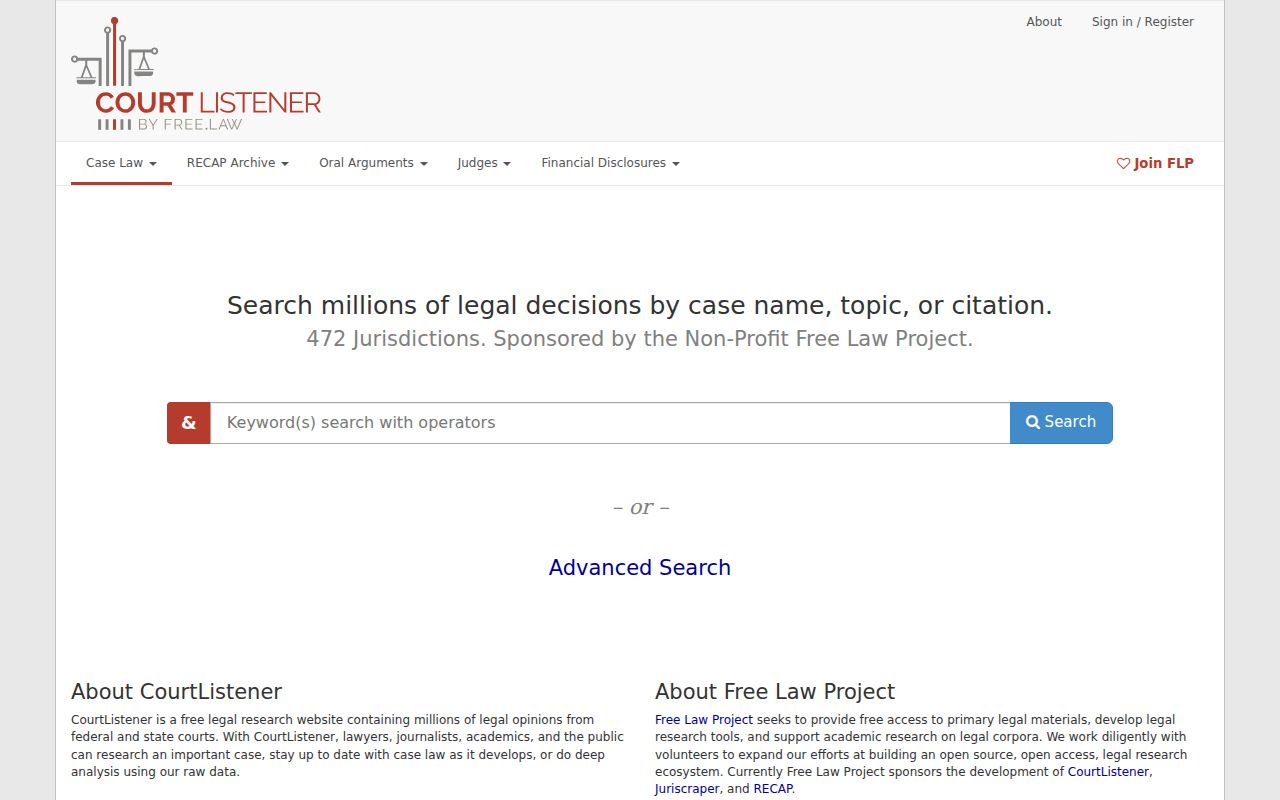
Federal questions are a separate track. The CourtListener public legal-research interface works as a secondary aid for federal research. Pulaski County federal matters belong to the Western District of Missouri, Southern Division, and you should confirm them through PACER or the federal court itself. CourtListener never substitutes for Missouri Case.net or the Pulaski County court docket.
Keep Missouri and federal searches in separate lanes. That habit keeps a state case number from being mistaken for a federal docket identifier.
County vs Statewide Case Search
Start any Pulaski County state-court lookup at Case.net. That is the statewide public entry point. When Case.net comes up empty or confusing, the local fallback is the Pulaski County Circuit Clerk, which holds the court record and can sort out a division, a paper file, a public terminal, or a copy request. Missouri e-filing is not a free public search tool. It exists for attorneys and authorized filers. Federal cases run on a separate track through the Western District and PACER.
| Channel | Best use | Important limit |
|---|---|---|
| Missouri Case.net | Public state-court lookup by name, filing date, number, or scheduled hearing. | Results and documents can be limited by indexing, access level, or confidentiality. |
| Pulaski County Circuit Clerk | Confirm a case, division, courthouse-terminal option, or copy request. | The clerk cannot give legal advice or interpret the legal result of an entry. |
| Missouri e-filing | Attorney and authorized filing workflow. | It is not the public’s general Case.net search tool. |
| PACER | Federal cases in the Western District of Missouri and other federal courts. | A state Case.net number will not locate a federal case. |
Pulaski County Case Tracking Notices
Case.net Track This Case instructions lay out a short sequence: pick a search type, run it, open the Case Header, then choose Track This Case at the bottom of the page. The tool only sends alerts once the right Pulaski County case is open. It never replaces reading the docket itself. It does not replace checking an order. And it is no substitute for a call to the clerk about an appearance.
Two limits matter. Fine Collection Center cases cannot use Track This Case at all. And a notification fixes nothing after a missed setting. It does not prove the calendar stayed unchanged afterward either. An appearance or deadline may be at stake. So trust the notice served in the case and confirmation straight from the clerk.
Note: Keep the full case number with any tracking notes. A name and a city alone may not point to the correct Pulaski County division.
Restricted Cases and Access Rules
Missouri rules treat a case as public even when pieces inside it are confidential. Juvenile records stay closed as a general rule under §211.321. Court Operating Rule 4.24 governs confidential records. Rules 4.25 and 4.26 cover sealed and expunged records. So a public docket entry can appear with no attachment you can open. A blank result proves nothing. It never shows that a Pulaski County case does not exist.
If a search returns something restricted or thin, ask the clerk three things: whether access exists at all, whether a local terminal is required, and whether a nonconfidential or redacted portion can be released. Treat Missouri’s public-review Rule 2 draft with caution. Check it against the operative text. Never rest a legal conclusion on it alone. And never turn a name-search result into a weapon against protections for children, victims, witnesses, sealed files, or expunged matters.
Access limit: A public case header is not a promise of remote access to every attachment. Confirm the record’s status and the clerk’s current procedure before requesting it.
Pulaski County Case Name Limits
Name searching has blind spots. A misspelling, a changed surname, or a protected identity can each return nothing. So can a filing date outside your chosen range, the wrong court filter, a new record still awaiting indexing, or a case routed through a different municipal path. Federal matters never show up in Case.net anyway. The smart move is to refine the search. Lean on the case number or the local custodian. Never draw a firm conclusion from one blank screen alone.
Once a case number is confirmed, the Pulaski County court record search route splits into distinct products: the docket itself, plain copies, certified copies, transcripts, and recordings. Each one is its own request. The clerk can quote the current procedure for whichever product you actually need.